EMS WebSocket Architecture & Developer Guide
Overview
This service acts as the Real-Time Switchboard for the Energy Management System. It manages high-frequency telemetry from the Edge devices (Raspberry Pis) and broadcasts it to live Dashboards (React/Postman) while asynchronously persisting data to TimescaleDB.
Core Design Principles
-
Pub/Sub Pattern: Devices are publishers (Write-Only). Dashboards are Subscribers (Read-Only). They never communicate directly.
-
Async Forking: Incoming data is split into two paths.
- Hot Path: Immediate broadcast to the UI (Zero latency).
- Cold Path: Background persistence to the DB (Allowed to lag).
-
One-Device-One-Connection: A strict policy where a new connection from a device ID automatically kicks off any existing connection for that same ID ("Ghost Protocol").
Component Reference
A. Connection Manager (connectionManager.py)
This class is the "State Machine" of the server. It manages the registry of who is connected.
class ConnectionManager
-
Purpose: Holds active websocket references and handles the dangerous logic of connection/disconnection without crashing the async loop.
-
Key Attribute: self.lock (asyncio.lock) - CRITICAL. This lock serializes connection attempts. It ensures that checking for an old connection and registering a new one happens as a single atomic operation, preventing race conditions.
Key Methods:
- connect_publisher(websocket, device_id)
- Role Registers a Raspberry Pi.
-
Logic:
- Accepts the network socket.
- Acquires self.lock.
- Ghost Protocol: Checks if device_id is already in active_publishers. If yes, it closes the old socket with WS_1008_POLICY_VIOLATION.
- Atomic Write: Overwrites the dictionary entry with the new socket.
-
disconnect_publisher(device_id, websocket)
- Role Safe cleanup.
-
Logic: Includes an Identity Check. It only deletes the device_id from the dictionary if the socket requesting the disconnect is the current active socket. This prevents a "Zombie" (kicked) socket from deleting the entry of a brand-new connection.
-
broadcast(message, device_id)
- Role: The "Router".
- Logic: Looks up active_subscribers for the given ID and sends the message. It never sends data back to the active_publishers (Pi).
B. Server Routes (main.py)
We use a "Two-Door" approach to seperate traffic sources.
-
Device Door /ws/device/{device_id}
-
Purpose: Ingests raw telemetry.
-
Security: Strict Header-based Auth (Authorization: Bearer < token >).
-
Flow:
-
Gatekeeper: Validates JSON against the TelemetryData Pydantic mode. Invalid data is dropped (log only), ensuring bad packets don't kill the connection.
-
Loop Protection: Inside the while True loop, it checks if manager.active_publishers[id] != self. If the manager replaced this socket, the loop terminates immediately.
-
Forking: Calls manager.broadcast await and save_to_timescaledb (create_task).
-
-
Dashboard Door: /ws/dashboard/{device_id}
-
Purpose: Real-time data visualization.
-
Security: Open (currently)/ Read-Only (as of now)
-
Flow: Connects and sits in an idle await receive_text() loop just to keep the TCP connection alive. It processes no incoming data from the UI.
Concurrency & Race Condition Handling
Ghost Protocol - Race Condition
-
Problem: If Device A disconnects and Device B connects at the exact same millisecond, standard logic might delete Device B's key or allow both to exist.
-
Solution (Implemented):
-
Atomic Locking: We use async with self.lock: around the entire connect/disconnect logic.
-
Identity Checks: We never blind delete. We always check if active_socket is websocket: before removing.
-
Loop Self-Termination: The publisher loop actively checks if it has been replaced and terminates if it detects it is no longer the active.
-
Simulating a Device (Publisher)
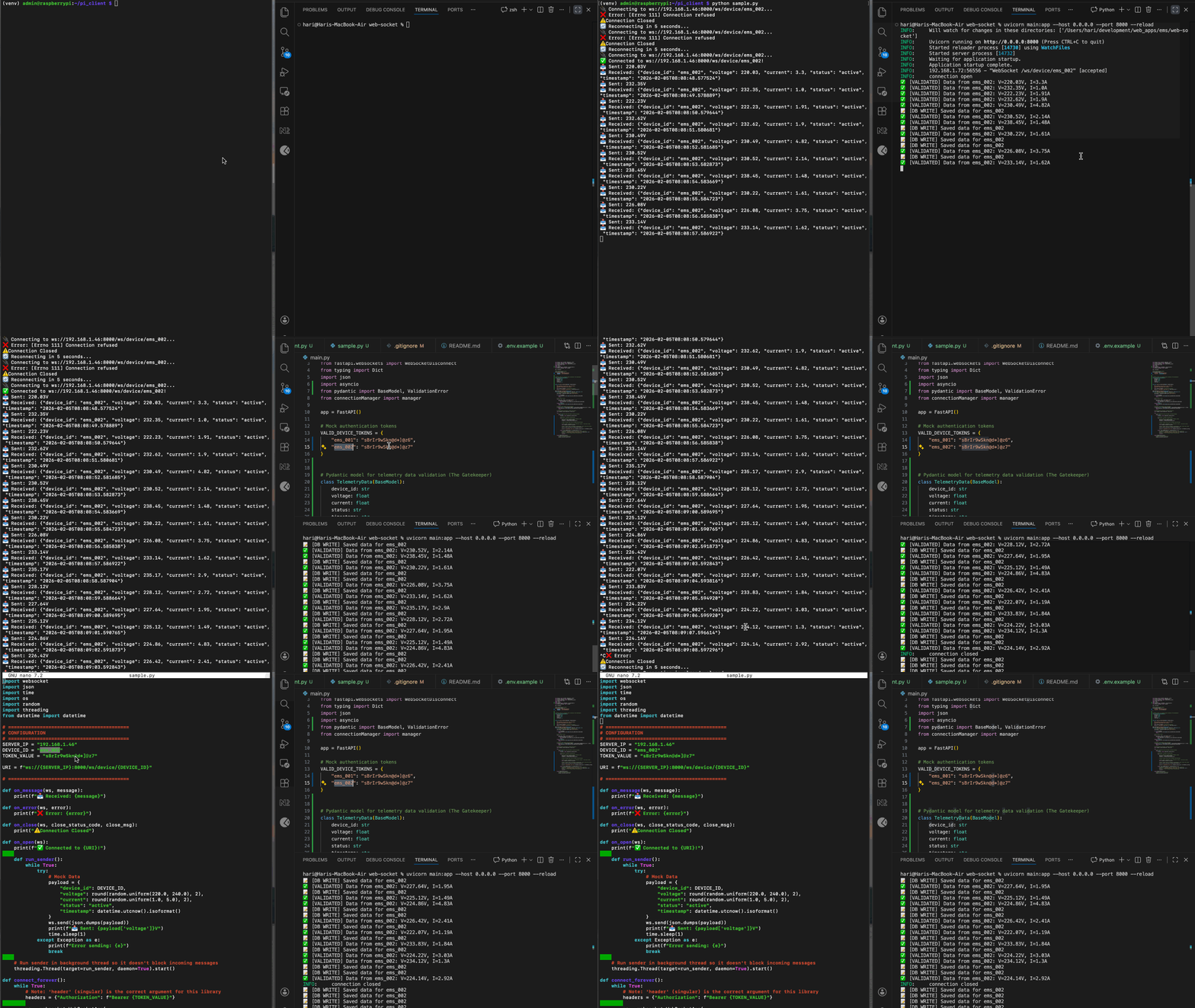
Use the simulation/client.py script. It handles auth headers and auto-reconnection.
# Set ENV variables for security
export DEVICE_ID="ems_001"
export API_TOKEN="sBrIr9wSkn@d*]@z6"
python client.py
Simulating a Dashboard (Subscriber)
Use Postman or a simple WebSocket client.
- URL: ws://< SERVER_IP >:8000/ws/dashboard/ems_001
- Expected Behaviour: You will receive JSON streams. Sending data to this socket will have no effect.
Note: Later this can be replaced with actual simulation logic with Inverter, Grid, Solar and Battery (BMS).